I can’t see all of the MultiWalk screen, what can I do?
TradeStation’s GUI does not support the automatic sizing of TradinApp’s when they are launched and does not support scrollbars on their GUI window objects. I have designed the screens of MultiWalk to work on 1080p displays, but sometimes, depending on your Windows settings, it will still not be enough. Try these things to gain more display real-estate for MultiWalk:
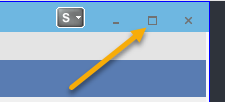
1. Click the maximize icon on the upper-right corner.
2. Float MultiWalk outside of TradeStation:

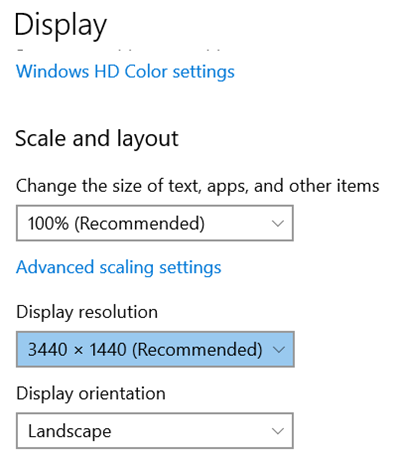
3. If you have increased Windows’s display scaling to anything greater than 100%, revert back to 100% and choose a specific display resolution, instead, to achieve the same scaling effect. I have found that TradeStation does not work well with Windows scaling, but does work well when setting the resolution directly to achieve the same scaling effect. Just choose a resolution suitable for your monitor that upscales the resolution. You may need to try a couple to find the best match with your monitor. These settings can be found the Windows system display settings.